








![X Case for iPhone 16 Pro Max Case 6.9″,with Kickstand 360°Rotatable Magnetic Ring Stand,[Compatible with MagSafe] Shockproof Aluminum Metal Phone Case Slim & Light Phone case,Gray](https://i3.wp.com/m.media-amazon.com/images/I/71ljHiOgHiL._AC_SL1500_.jpg?w=430&resize=430,0&ssl=1 "X Case for iPhone 16 Pro Max Case 6.9″,with Kickstand 360°Rotatable Magnetic Ring Stand,[Compatible with MagSafe] Shockproof Aluminum Metal Phone Case Slim & Light Phone case,Gray")
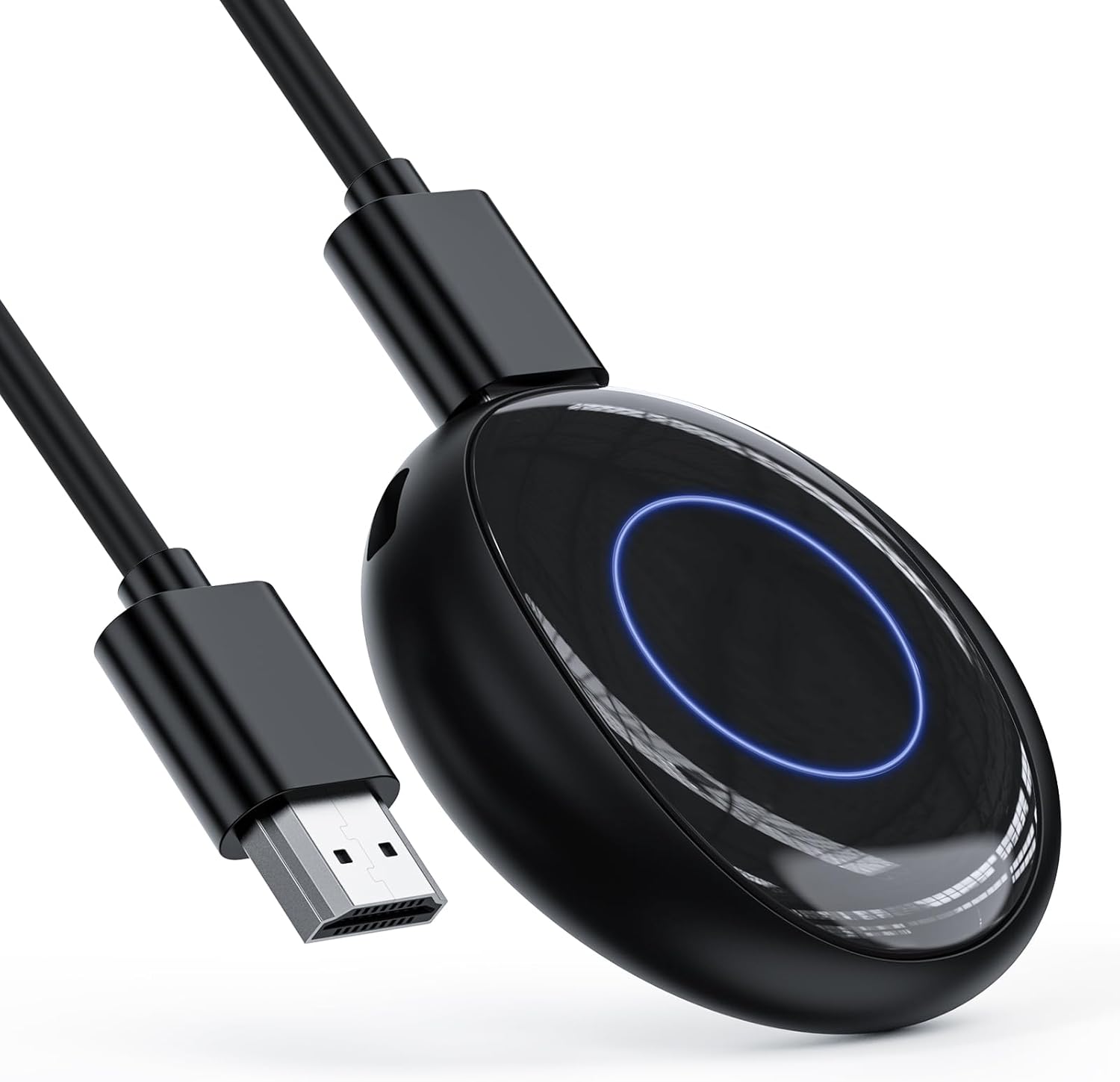
Wireless HDMI Display Dongle Adapter, One-Click Streaming Video/Audio/File from Smartphones and Laptops to HDTVs, Monitors, and Projectors, Supporting Airplay, DLNA and Miracast
$49.99
Price: $49.99
(as of Aug 27, 2025 13:29:05 UTC – Details)
Product description


1 Connect
2 4K decoding
3 2.4/5GHz
4 Plug and Play
5 Small and convenient


1 Android connect
2 iOS connect
3 Windows connect
4 Mac OS connect
Why choose our Wireless HDMI display adapter?
Our wireless HDMI display adapter are simple to set up and offer high-quality transmission capabilities. You can enjoy impressive video quality.
For which scenarios?
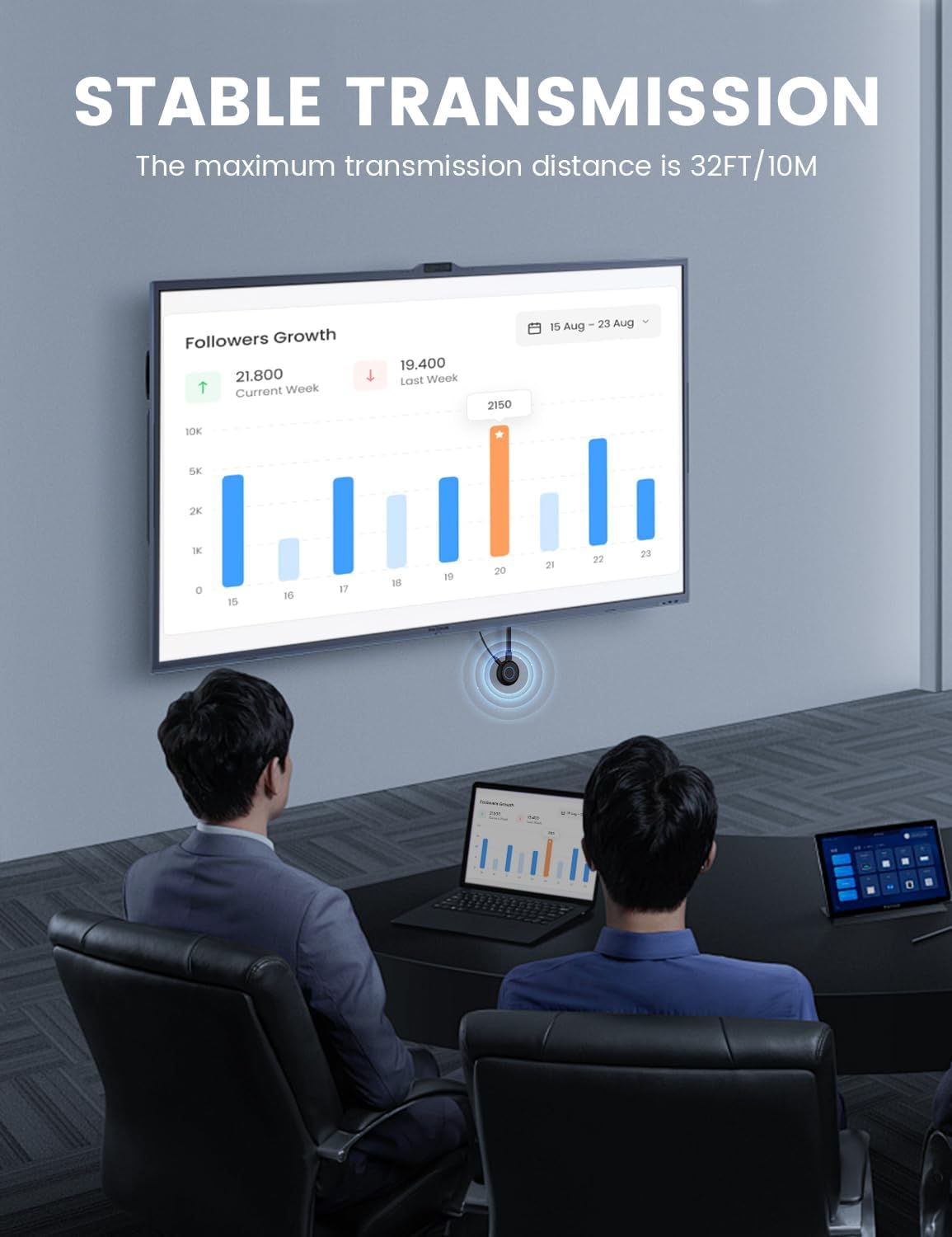
This wireless HDMI display adapter is suitable for home entertainment systems, meeting rooms, classrooms and more.
What is the quality of the product?
Our wireless HDMI display adapter is crafted using high-quality materials and advanced technology to ensure durability and performance you can trust.
This wireless display adapter is super handy for mirroring your screen and also comes with DLNA support for those who need a bit more. To get the DLNA feature up and running, you’ll first want to connect the device to your router. This product works great on both 2.4G and 5G WiFi channels.
1. Make sure you’re on the dedicated mode in Android/Windows system when you boot it up.
2. Go to your phone settings >>> Tap on WIFI >>> Look for the Renkchip-XXXX hotspot >> Enter the password: 12345678.
3. Once your phone connects to the hotspot, head back to your main phone screen, open up a browser, type in “192.168.49.1”, hit “Enter,” then click “SCAN.” Wait while your phone searches for nearby routers.
4. After it finds all the surrounding networks, look for your router’s name, click on it, enter its password, and wait a moment until it’s connected between the device and router.
Heads Up:
1. In DLNA mode, you’ll only need to set up the network once; after that, it’ll automatically reconnect to that WiFi whenever you turn it back on.
2. It’s best if you connect using 5G WiFi since it gives you a better experience overall.
How to use DLNA function on Android or iOS phones:
Just open any audio or video app on your phone, pick what you want to play, tap that little DLNA/Airplay button at the top right corner of the video player after starting playback—search for “Renchip-XXXX” and click it to start using DLNA/Airplay!
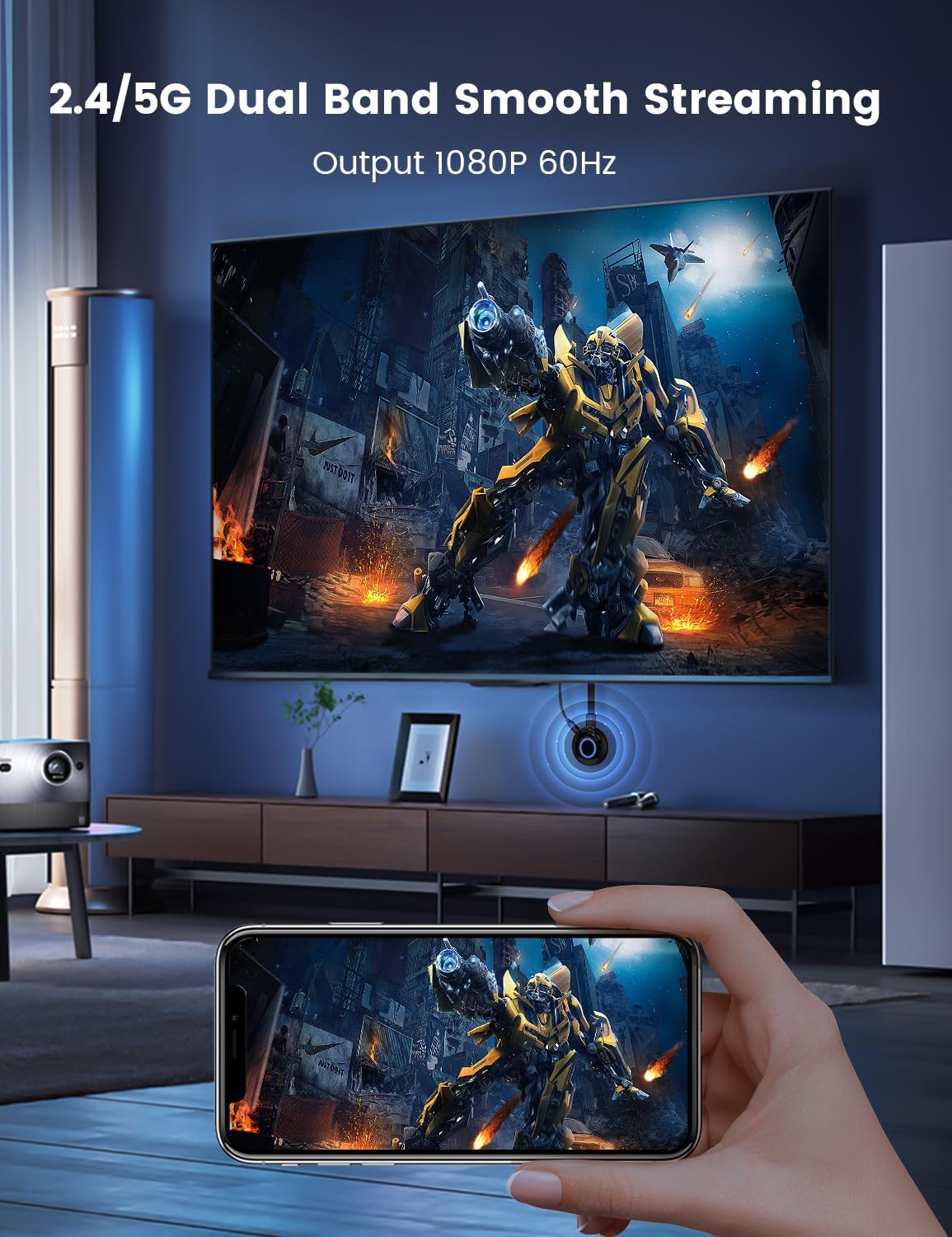
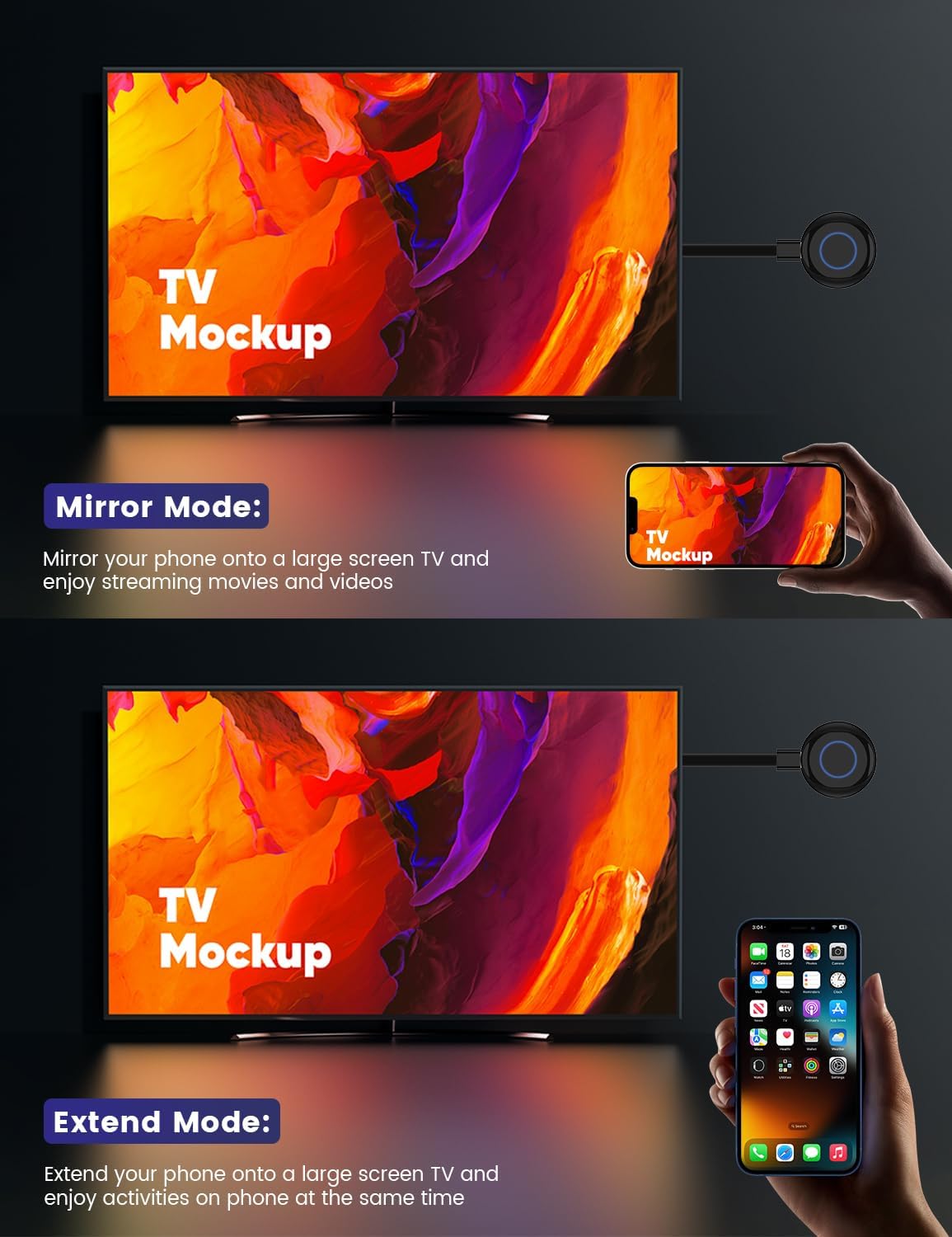
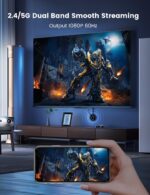
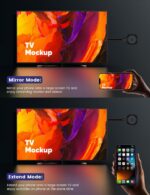
【Easy Wireless Streaming】: With this wireless display adapter, you can easily stream HD videos, photos, and presentations from your laptop, smartphone, or tablet right to your TV or projector. Say goodbye to messy cables—just sit back and enjoy smooth, uninterrupted entertainment!
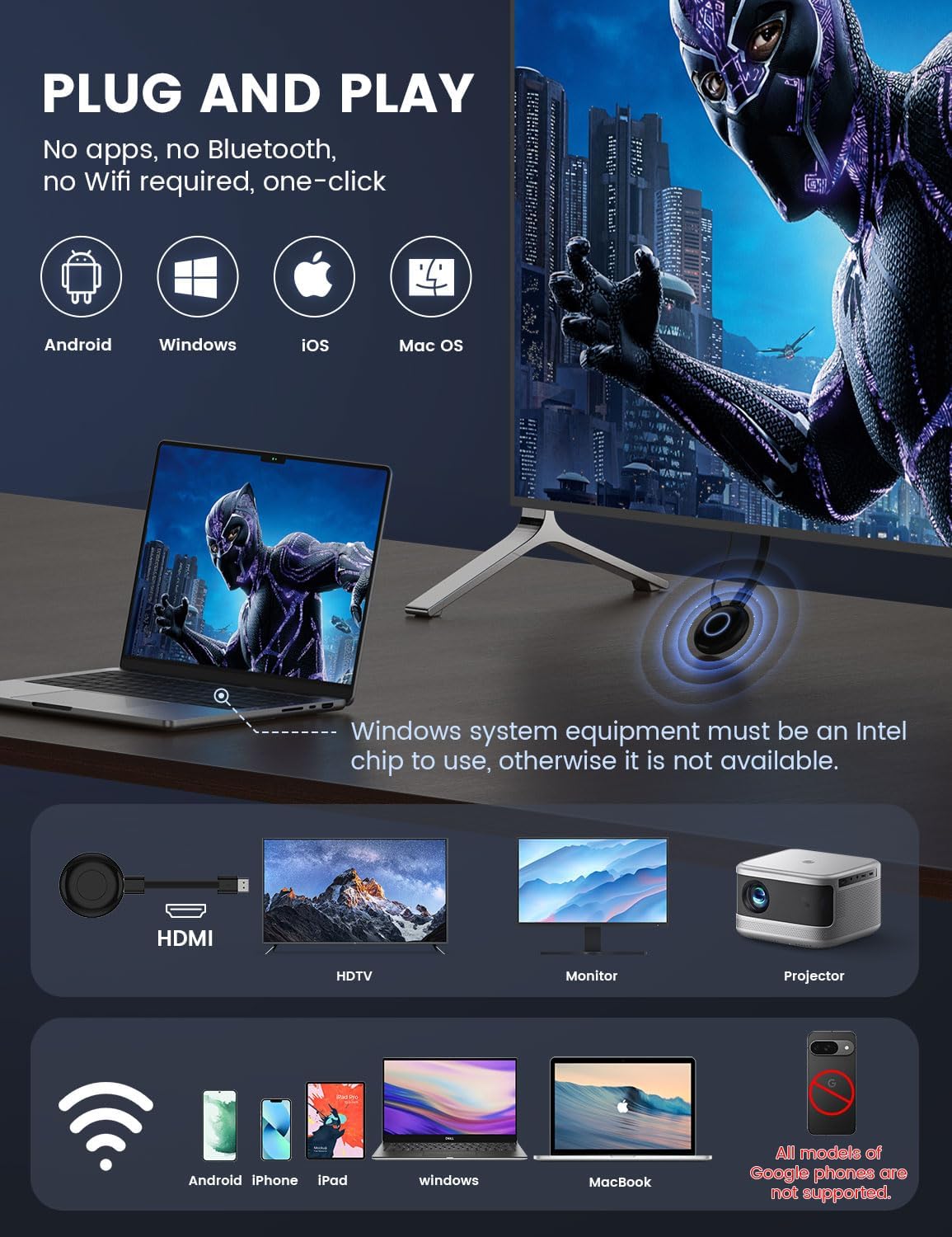
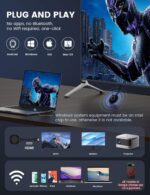
【Easy as Plugging It In】: Just plug the Miracast dongle into your HDMI port, connect to Wi-Fi, and you’re ready to mirror your screen in no time. No tricky setups or software downloads needed—it’s super simple for everyone, whether you’re a tech newbie or a pro!
【Crystal-Clear HD Quality】: This wireless HDMI adapter lets you enjoy amazing 1080p Full HD resolution with less than 100 milliseconds of delay, so you can have a smooth and immersive experience whether you’re watching movies or giving business presentations.
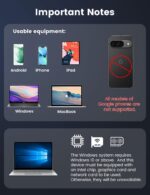
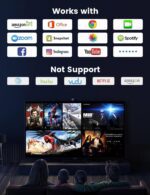
【Universal Compatibility】: This wireless adapter works great with all sorts of devices, like Windows, macOS, Android, and iOS. Whether you’re on your laptop, phone, or tablet, it’s got you covered!
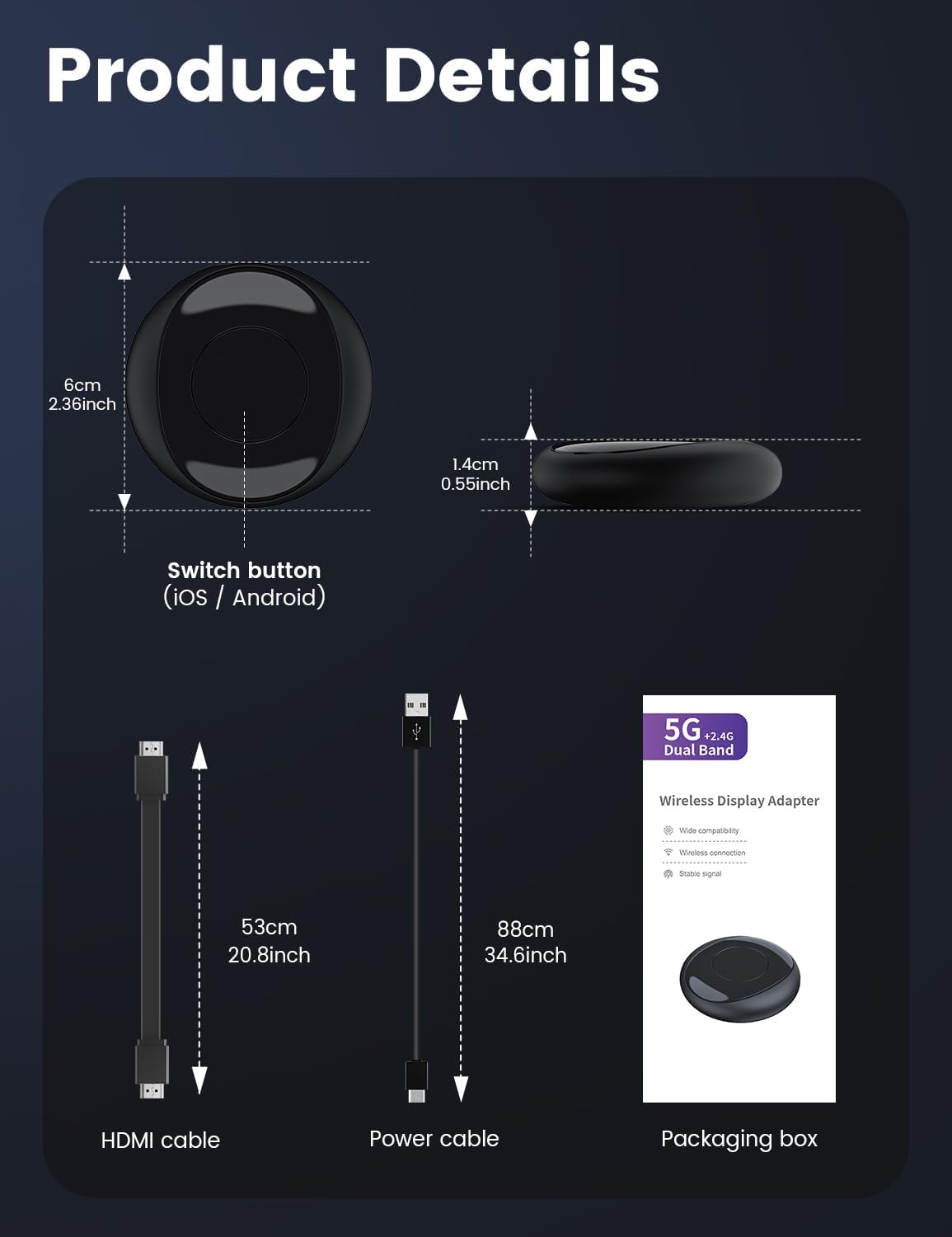
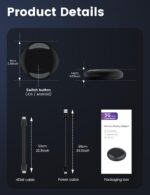
【Compact & Portable Design】: Take your entertainment wherever you go! This lightweight, pocket-sized dongle is just right for home, the office, or when you’re out and about. In just seconds, you can turn any HDMI-equipped screen into a wireless powerhouse!
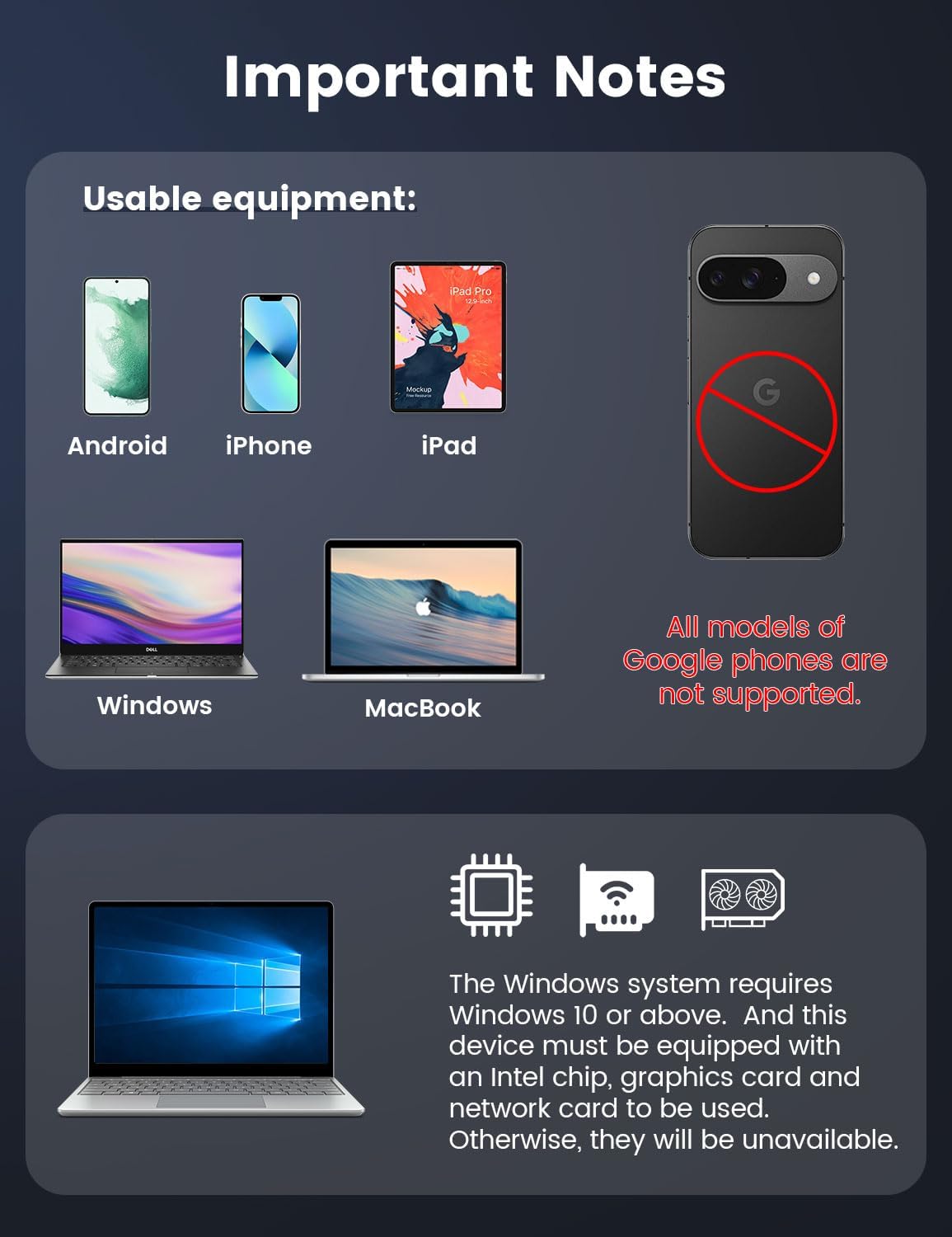
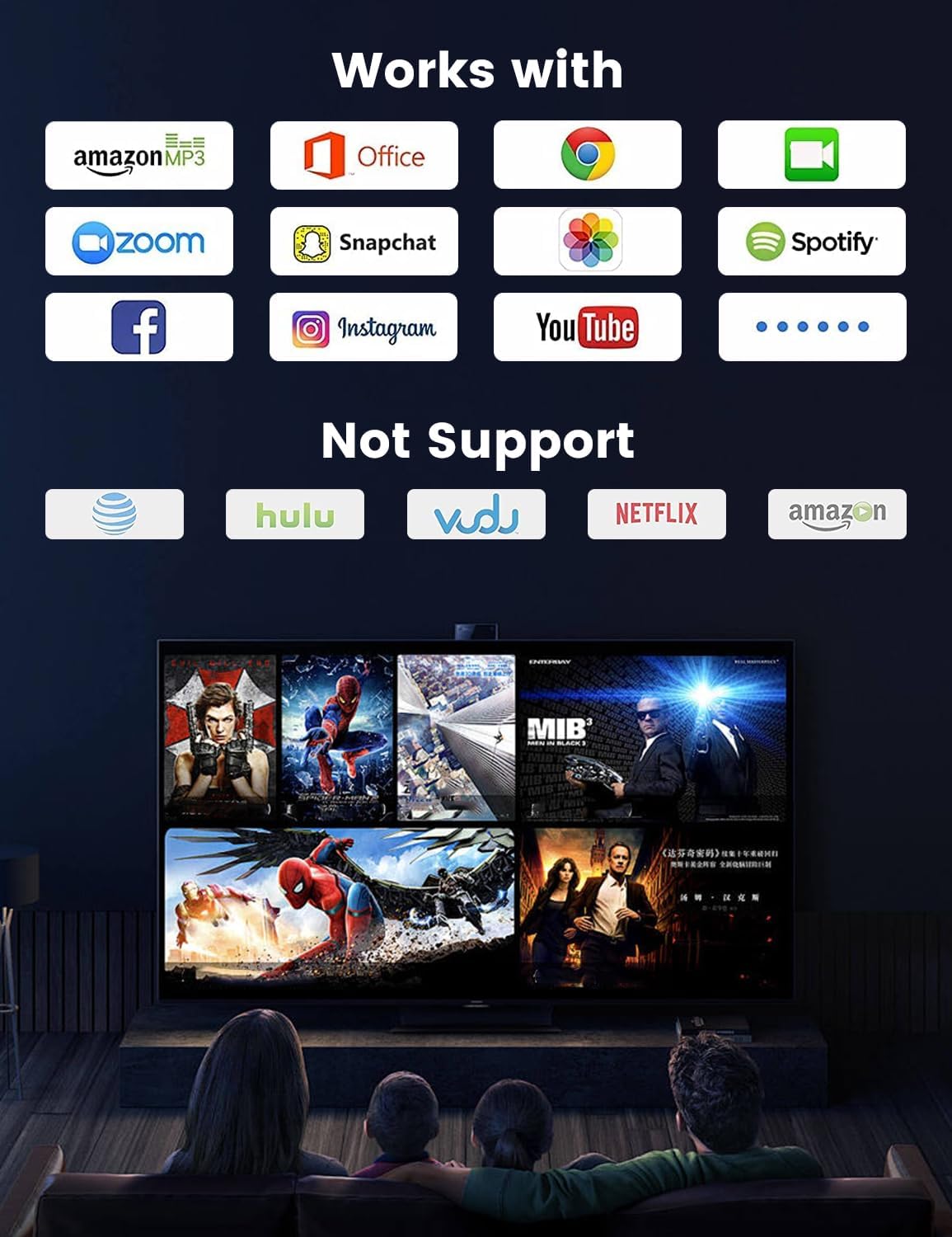
Note: This product doesn’t work with Google phones. If you’re using a Windows device, make sure it has Intel chips, graphics cards, and network cards; otherwise, you won’t be able to use it.






Reviews
There are no reviews yet.