



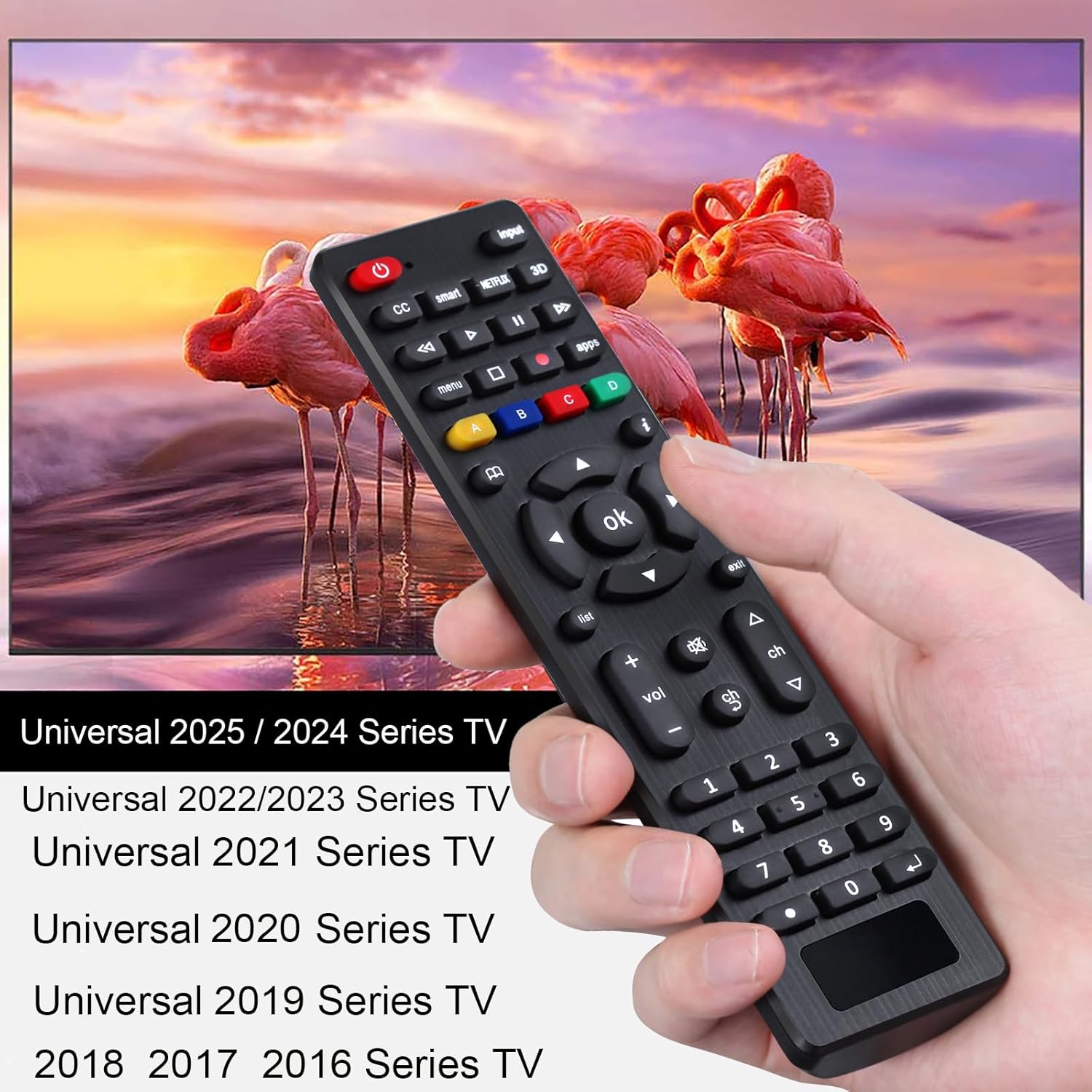
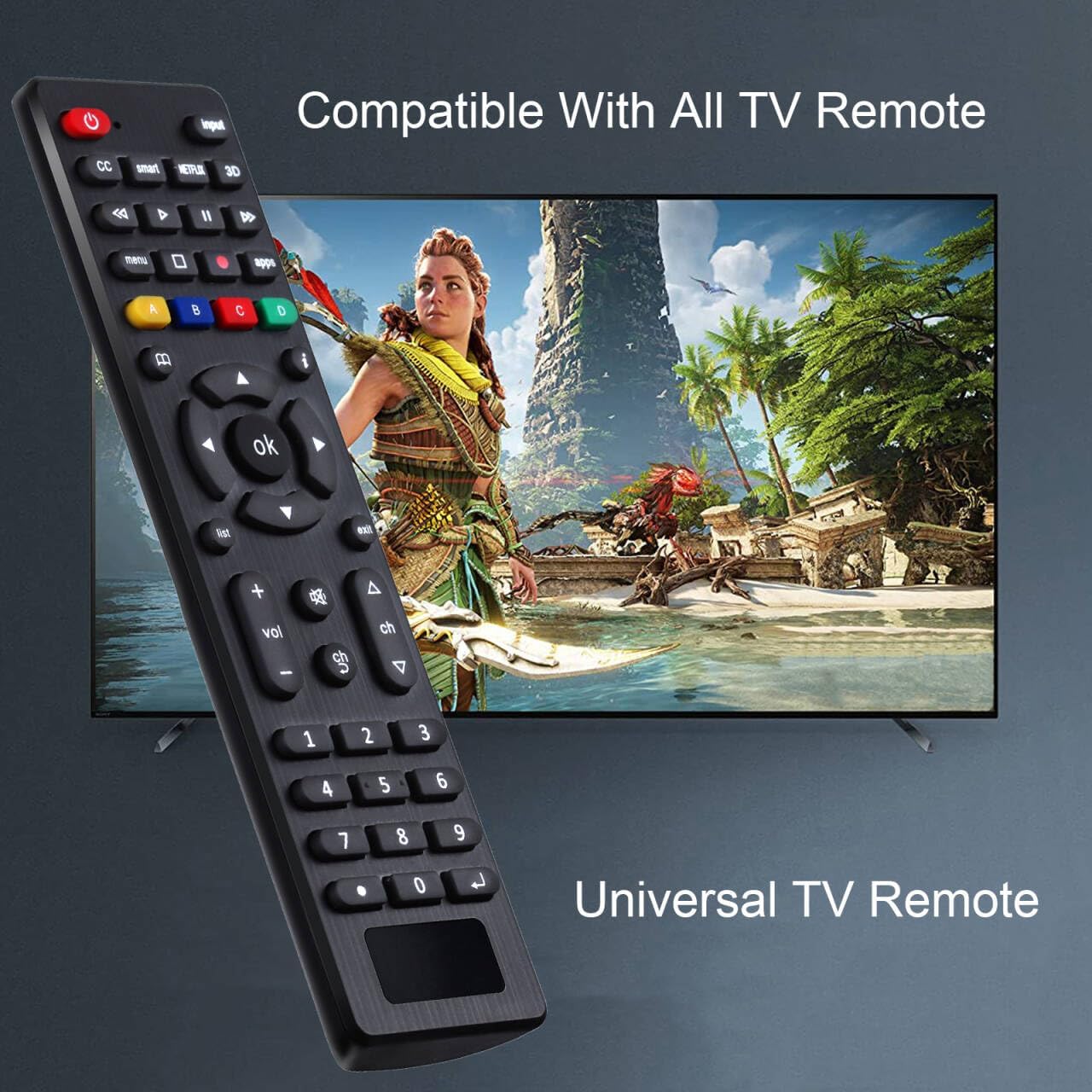
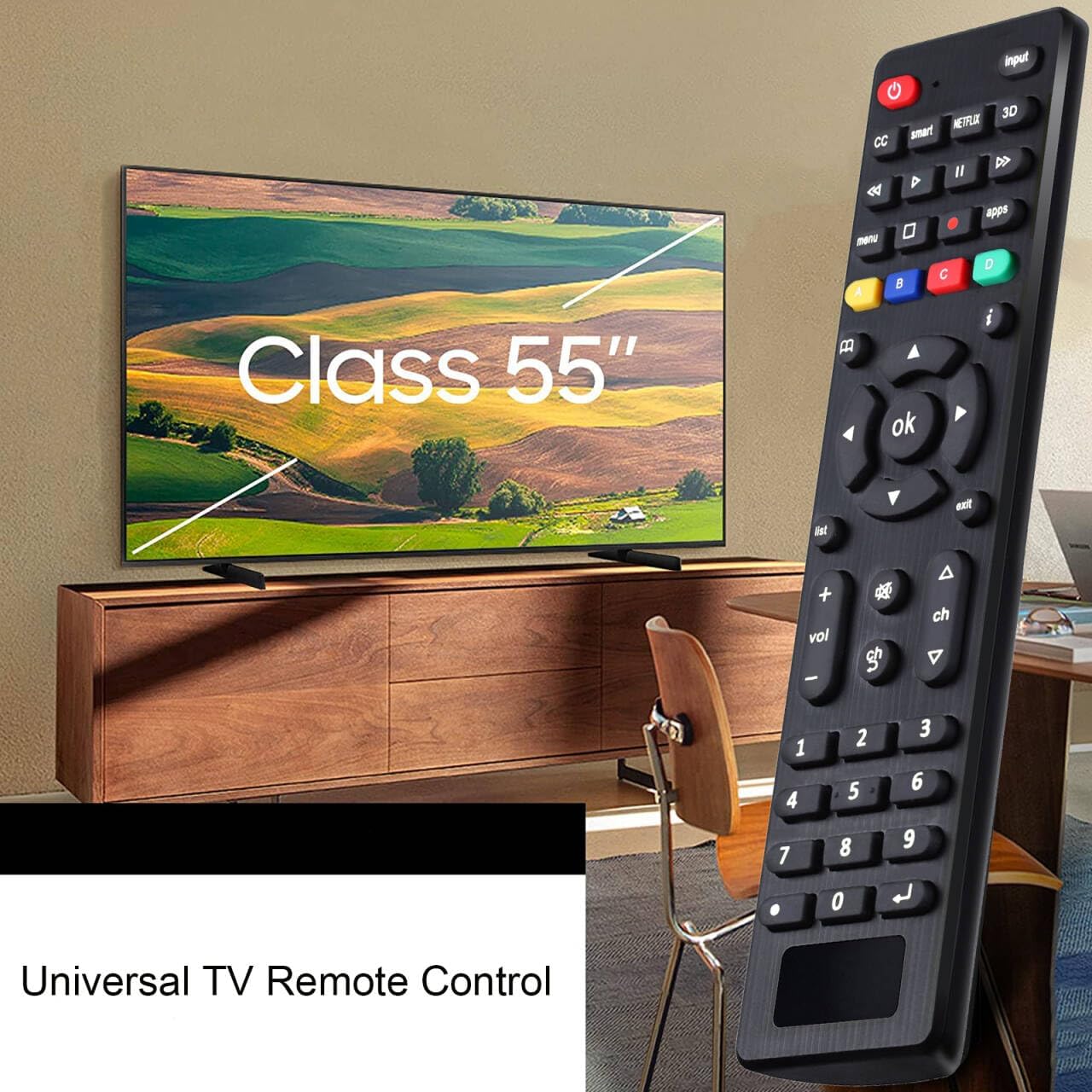
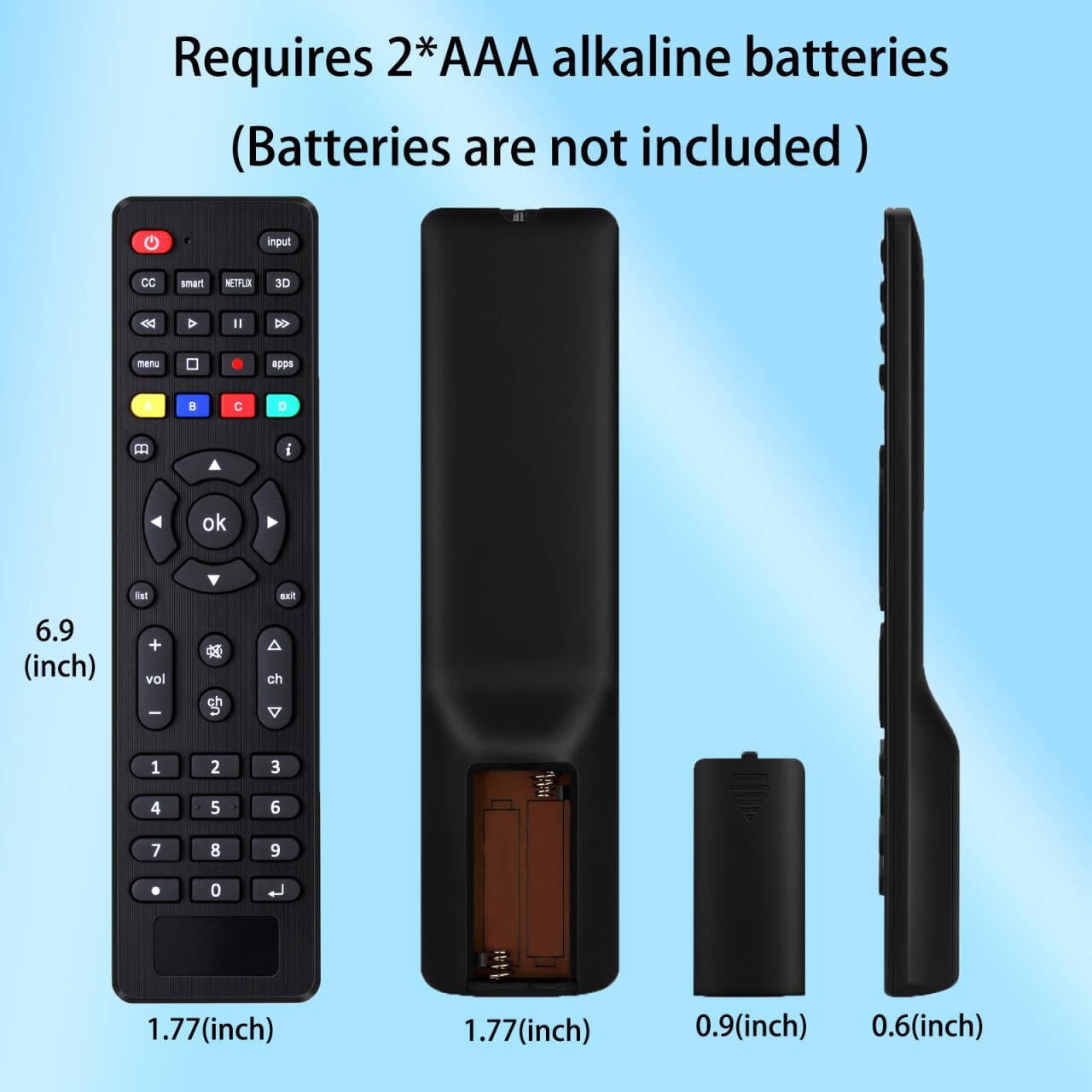

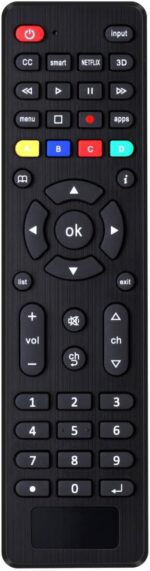
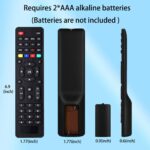


Universal TV Remote for Samsung, TCL, Philips, Vizio, Sharp, Sony, Panasonic, Sanyo, Insignia, Toshiba and Other Brands LCD LED 3D HDTV Smart TV Remote Control
Original price was: $9.99.$8.92Current price is: $8.92.
Price: $9.99 - $8.92
(as of Sep 19, 2025 13:44:55 UTC – Details)
Product description
Easy to set up, you can instantly watch your favorite TV programs and enjoy the endless fun they bring you!

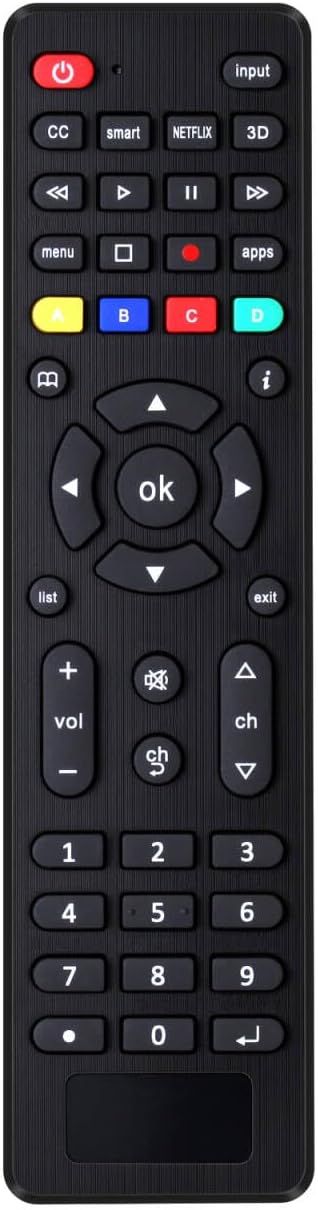
This universal remote control LCD/LED TV remote controller (RC-G008) can directly replacement the remote controls of more than ten TV brands, for Samsung, for TCL, for Philips, for Vizio, for Sharp, for Sony, for Panasonic, for Sanyo, for JVC, for Toshiba, for Hitachi, forHaier, for Westinghouse, for Insignia,for RCA etc. Two setting methods:
1. Set up by code: (1) Press “Mute +power” buttons together for 3 sec until led light is lit,then release it.
(2) Input your 3 digit TV_CODE form code list.If the code is right,the LED light will go off. If the code is wrong, the LED light will still be on. If this happens,try to enter the code again as there may have been an error the first time.
(3)Please check the function of Remote. If it doesn’t work well, please you can try one of the other codes and repeat the process from step 1.
NOTE:During setting process,if no key is pressed in 10 seconds it will exit automatically.
2.Brand search:
1)Turn on TV.Press the button of the corresponding brand for 5 sec, the LED flashes three times,then the setting is completed.
Default Mode:
Under the default setting,RC-G008 can directly control many brands,include LG/SAMSUNG/SONY/PHILIPS/PANASONIC/SHARP TV.Restore to the initial setting,please and hold the [OK]+[0]buttons about 3sec, the LED light will be blink four times,now it is in initial setting.
Universal replacemenremote control can be directly used for Samsung, Philips, Panasonic, Sharp, TCL, Vizio, Sony, Sanyo, Toshiba, Maganvox, Hisense, JVC,Hitachi, Westinghouse, Vestel and Seiki Samrt TVs.
Two setting methods: (1) Set by code: After pressing the corresponding brand button for 3 seconds, the LED flashes for the third time and then releases. Enter a 3-digit code from the code list, if the code is correct, the LED light will turn off. Code error, LED light will still light up. Please check the function of Remote.If it doesn’t work well,please you can try one of the other codes and repeat the process from step1.
(2)Brand search: after pressing the corresponding brand button for 5 seconds, the LED flashes for the third time, and the setting is completed(Including an instruction manual)
Restore to the initial setting,please and hold the [OK]+[ 0 ]buttons about 3sec,the LED light wil be bink four times,now it is in inital setting.
Uder the default setting.RC-G008 can directly control many brands,incluer for SAMSUNG/SONY/PHILIPS/PANASONIC/SHARP TV.
The remote control is light and compact, easy to grasp and has more complete functions. It is a good choice for you to replace the old or damaged remote control.If the listed TV brands do not meet your needs or you have any questions, you can directly contact us to help you inquire, and we will reply to you promptly within 24 hours.
Customers say
Customers find the remote control easy to set up, taking just 2 minutes to program their TV, and appreciate its ease of use. The functionality and compatibility receive mixed reviews – while some say it works right away and syncs easily, others report it doesn’t work and won’t connect with certain TVs like TCL. The quality and value for money are also mixed, with some considering it a good replacement while others find it low quality and not worth the price. Customers report issues with button functionality, noting they need to be pushed multiple times, and experience slow response times, particularly with volume control.





Reviews
There are no reviews yet.